
If you forget your ICD user ID or password, you can easily retrieve them by selecting one of the following options on the ICD Login page: Forgot User ID? or Forgot Password?.
Retrieving your Password
1. Navigate to the iConnectData login page: www.iconnectdata.com and click Forgot Password.
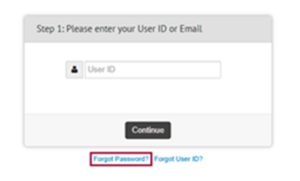
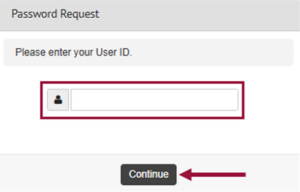
2. Key in your User ID and click Continue.
3. Click Need help signing in?
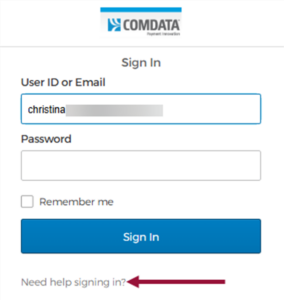
4. The window will expand. Click Forgot Password?
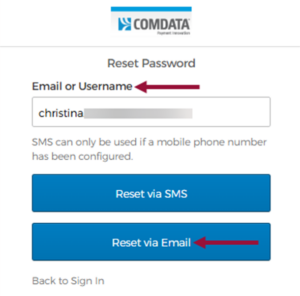
5. Key in your email address or username. Click Reset via Email.
6. Check for a password reset email in your Inbox.
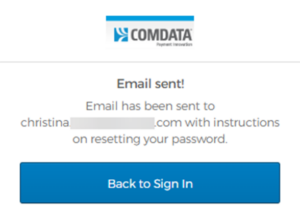
Password Reset Email
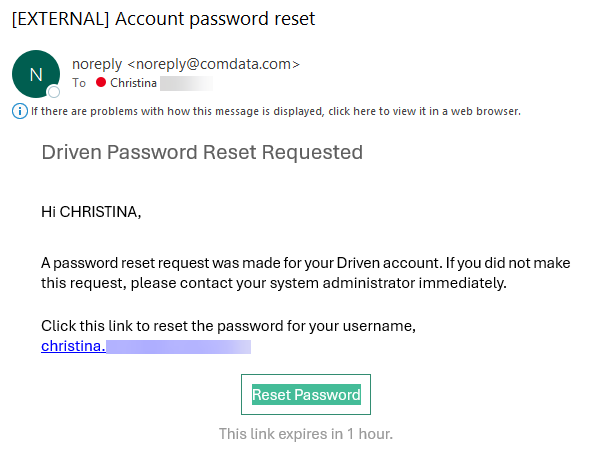
7. Once the email is received, click the Reset Password button in the email.
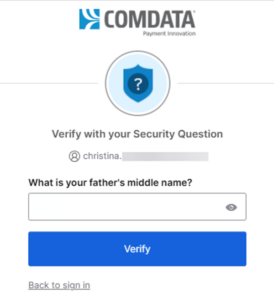
8. Answer the security question and click Verify.
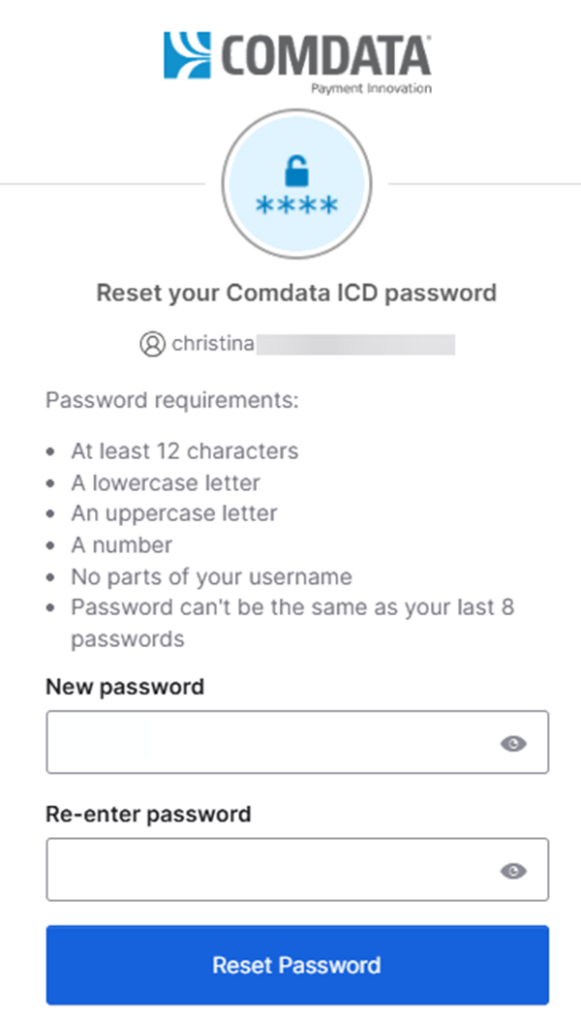
9. Key in the new password in the New password and Re-enter password fields. Click Reset Password.
Retrieving your User ID
If you forget your user ID, follow these steps:
- Click Forgot User ID on the ICD Login page.
- Enter the email address used to sign up for ICD, and your first and last name in the fields provided. Then, click Continue.
- You should immediately receive an email message with your user ID.