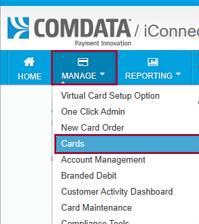
1. From the iConnectData homepage, open the Manage drop-down menu and select Cards.
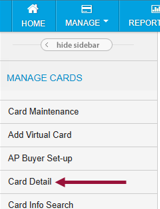
2. Using the left side navigation menu, select Card Detail.
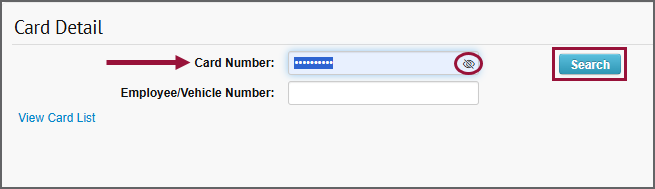
3. In the Card Number field, key in the card number and click Search.
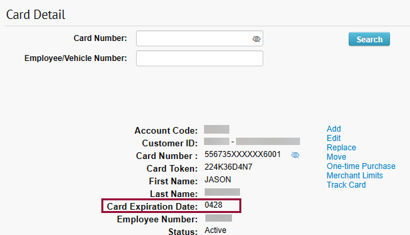
4. View the Card Expiration Date field for the card’s correct expiration date.